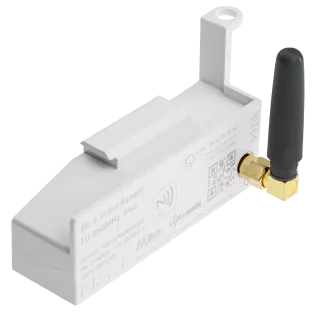
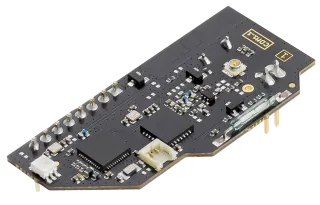
NAS Connect app
Configure meter modules over NFC.
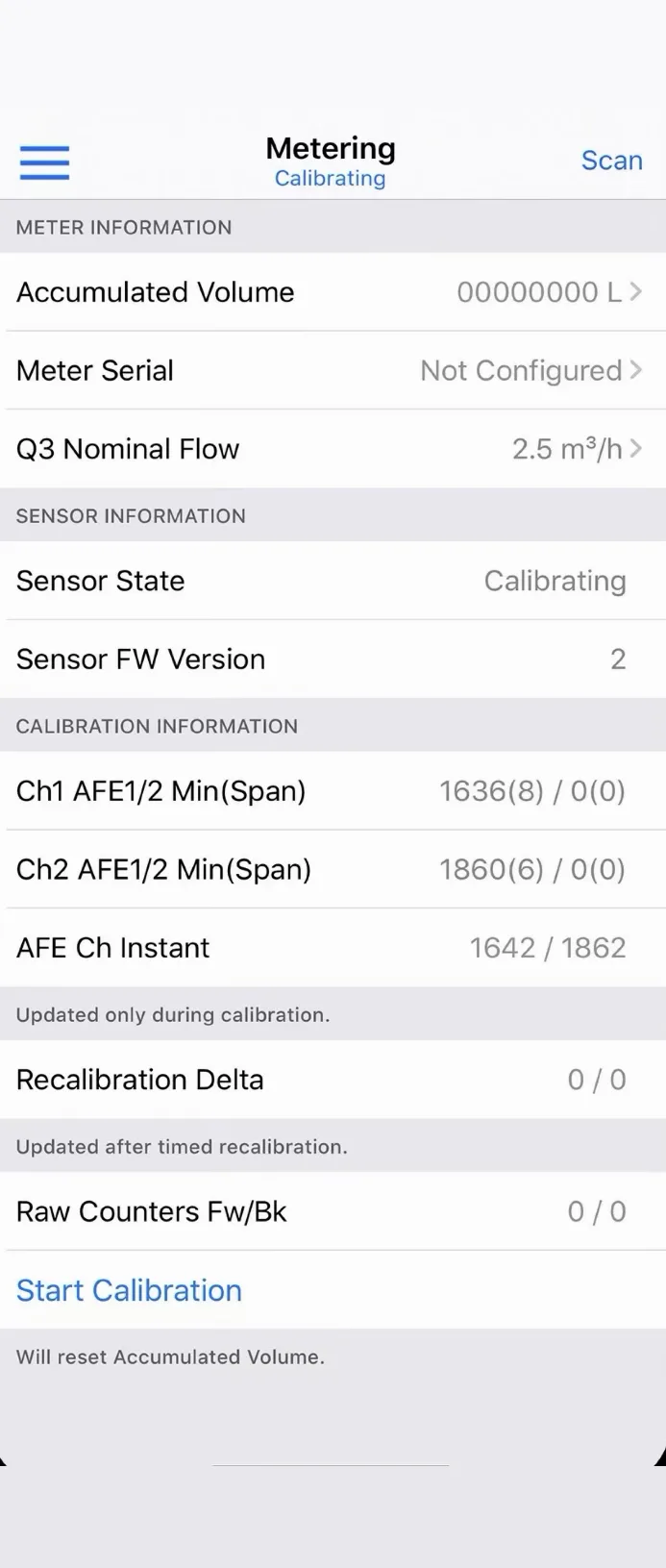
NAS Connect is the field tool for NAS meter modules. Hold an iPhone to the module to connect over NFC, then read live values, change the configuration and set the location on site.
01
Connect
Log in with your services.nasys.no account and hold the phone to the module. The device owner gets full access, anyone else sees basic information only.
02
Configure
Reporting settings and the module's location from the phone's GPS. Save a configuration as a preset and load it on the next module.
03
Verify
Check live readings and the module state on the spot. On the BK-G pulse reader you can also trigger a LoRaWAN® rejoin or a firmware update, and switch it on or off. BK-G datasheet →
Supported modules
Needs an iPhone with iOS 13 or later and an Internet connection for login. The app keeps only the login token and your saved presets on the phone.