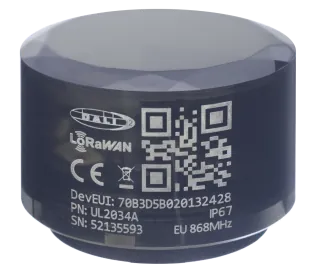
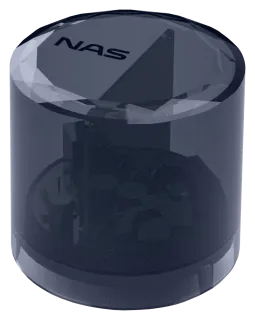
LumaLink™ app
Configure streetlight controllers from your phone.
LumaLink™ is the field tool for installing and testing NAS streetlight controllers. Connect over Bluetooth® at the luminaire to read, diagnose and configure the controller on site — no LoRaWAN® server or network connection needed.
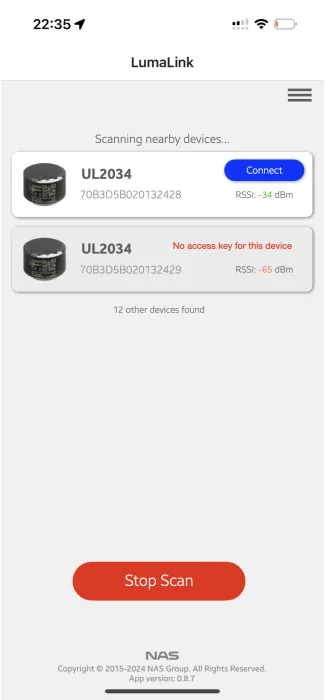
01
Connect
Open LumaLink near the luminaire and connect with the controller's access key. Set its position from your phone's GPS or enter coordinates by hand.
02
Configure
Astronomical calendar by sun zenith angle, up to 8 dimming profiles, digital inputs and report intervals. Save the configuration to a file and restore it on the next controller.
03
Verify
Check join status, RSSI, data rate, TX power and sensor readings on the spot. The controller then runs its schedule from its own clock. Requires firmware 1.1.8 or later. Full guide →
Supported controllers
Every G4 controller, regardless of radio variant.